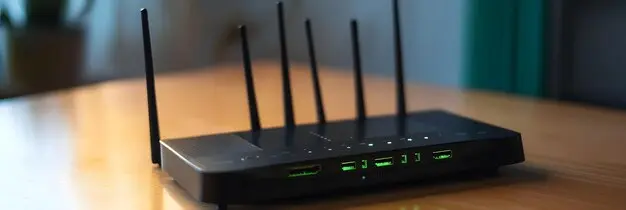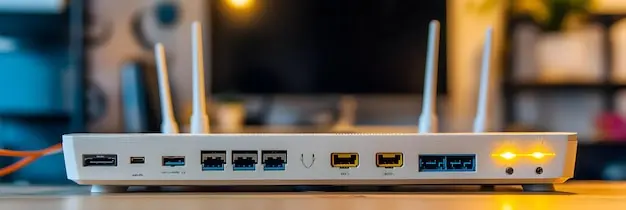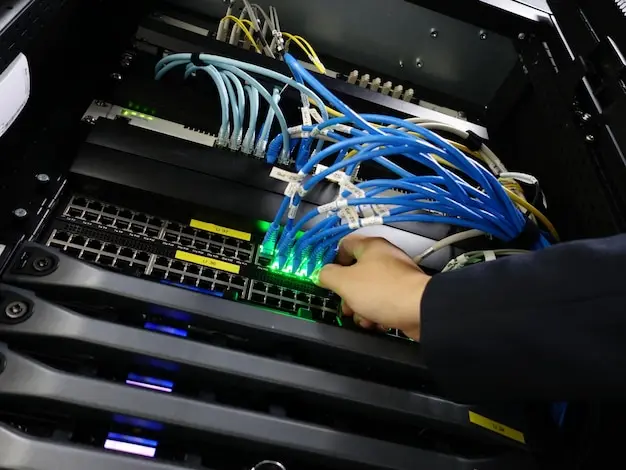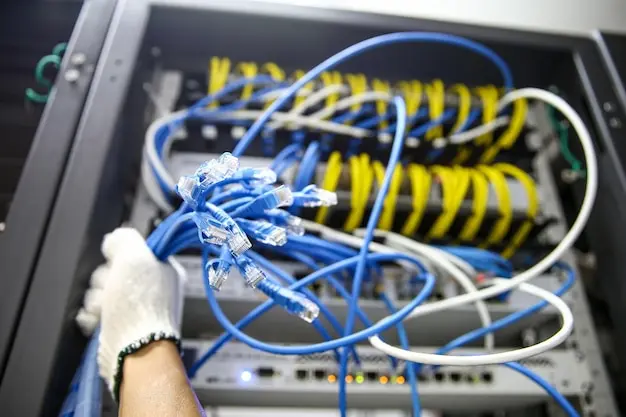
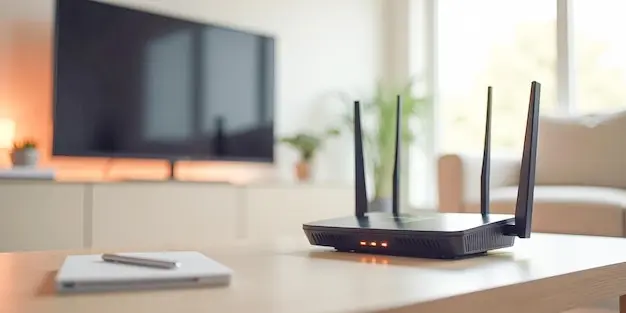
Discover home Wi-Fi installation tips for better speed, stronger signal, and more reliable coverage throughout your home with simple setup advice that works.
Why Wifi Speed Matters at Home
Wi-Fi speed matters because so much of daily life now depends on a reliable internet connection. People use Wi-Fi for work calls, streaming films, online gaming, school tasks, video chats, smart home devices, and general browsing. When the connection is slow, even simple tasks can become frustrating. Pages take longer to load, films buffer, games lag, and video calls freeze or lose sound.
Good Wi-Fi speed does more than make the internet feel faster. It also helps your home run more smoothly when several people are online at the same time. A strong connection can support multiple phones, tablets, laptops, televisions, and smart speakers without each one dragging the rest down too much.
Poor Wi-Fi can also make people think their broadband service is the problem when the issue is actually inside the home. In many cases, the router position, device setup, or signal interference is causing the slowdown. That is why improving home Wi-Fi can make a big difference. Better speed means less waiting, fewer connection problems, and a more dependable internet experience for everyone in the house.
Check Your Internet Speed First
Before making changes to your home Wi-Fi, it helps to know what speed you are actually getting. Many people assume the router is the only problem, but sometimes the issue starts with the broadband service itself. If your package is slower than your household needs, no amount of moving the router will fully solve the problem. Testing your internet speed first gives you a clear starting point and helps you understand whether the problem is with the incoming connection or with the Wi-Fi signal around your home.
Run a speed test near the router while connected to Wi-Fi, and if possible, run another test using a wired connection. A wired test often shows the real speed coming into the property, while the Wi-Fi test shows what your devices are receiving through the air. If the wired result is strong but Wi-Fi is weak, that points to a home network issue rather than a provider problem.
It is also worth testing at different times of day. Speeds can vary in busy evening periods when more people are online. Make a note of download speed, upload speed, and ping. Download speed affects streaming and browsing, upload speed matters for video calls and sending files, and ping affects gaming and live communication. Once you know your real speeds, it becomes much easier to decide what needs improving.
Choose the Right Router for Your Needs
Not all routers are the same, and choosing the right one can make a big difference to Wi-Fi speed at home. Some older routers struggle to handle modern households where several people are streaming, gaming, working, and using smart devices at once. A router that worked well a few years ago may now be too limited for current demands.
Think about the size of your home and how many devices connect each day. A small flat with a few users may only need a basic modern router, while a larger house with thick walls and many devices may need something more powerful. Routers with newer Wi-Fi standards can usually offer better speed, stronger coverage, and improved handling of busy networks.
It is also important to consider how you use the internet. If you only browse and watch the odd video, your needs are different from a home where people regularly stream in high quality, join video meetings, and play online games. Buying a router based on your actual usage helps avoid both overspending and poor performance. A suitable router gives you a stronger base for every other Wi-Fi improvement you make.
Place Your Router in the Best Spot
Router placement has a huge effect on Wi-Fi performance, yet it is often overlooked. Many people leave the router wherever the broadband line enters the home, even if that puts it in a poor location such as behind a television, in a hallway cupboard, or near the floor. Wi-Fi signals spread out from the router, so where you place it affects how well that signal reaches each room.
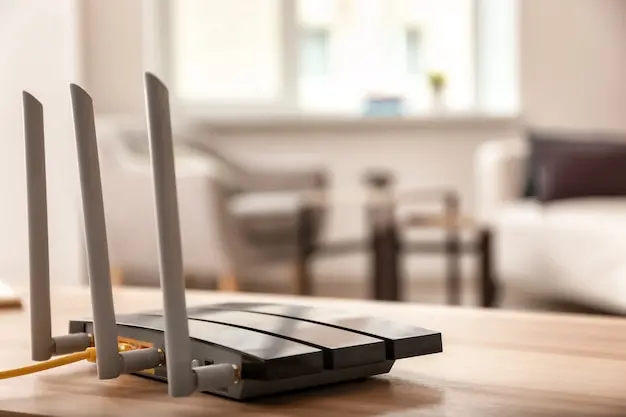
A central position is usually best. If the router sits near the middle of the home, the signal has a better chance of reaching rooms in different directions. If it is placed at one far end of the house, devices at the opposite side may receive weak coverage.
Height also matters. Putting the router on a shelf or table often works better than leaving it on the floor, where furniture and other objects can block the signal more easily.
Try to keep the router in an open space rather than hidden away. Thick walls, metal objects, large furniture, and enclosed cabinets can all reduce signal strength. It is also helpful to place it near the rooms where internet use is heaviest, such as a home office or living room, if that does not leave other parts of the house too far away. A simple move in router position can often improve speed more than people expect.
Keep Your Router Away from Interference
Wi-Fi signals can be affected by interference from other household items. This is one reason why a connection may seem strong in one room but unreliable in another. Interference can weaken the signal, reduce speed, and cause random dropouts, even when your broadband service is working properly.
Many common devices can affect Wi-Fi. Microwaves, cordless phones, baby monitors, Bluetooth equipment, wireless speakers, and even some televisions can disrupt the signal, especially if they are close to the router. Thick walls, mirrors, metal shelving, and large appliances can also block or reflect Wi-Fi in ways that reduce performance.
To limit interference, keep your router clear of electrical items and avoid placing it next to large metal objects. Give it some space rather than packing it tightly among cables and equipment. If you live in a crowded area, nearby Wi-Fi networks from neighbouring homes can also compete for signal space. In that case, changing your Wi-Fi channel or band may help improve performance.
Interference is not always easy to spot because it can come from everyday items that seem harmless. Taking a careful look at what surrounds your router can reveal simple changes that improve coverage and speed. A cleaner, clearer position often leads to a more stable connection throughout the home.
Set Up Your Router for Stronger Coverage
Getting stronger Wi-Fi coverage is not just about where the router sits. The way it is set up can also affect how well the signal spreads through your home. A good setup helps devices stay connected in more rooms and reduces weak spots where speed drops sharply.
Start by making sure the router is switched on fully and set to use its best available features. Some routers allow separate networks for different bands, while others combine them into one name and manage connections automatically. Both approaches can work, but the main goal is to make sure devices connect in the most useful way for their location and needs.
If your router has adjustable aerials, try changing their position. Small adjustments can sometimes improve signal spread across different floors or rooms. Some homes benefit from one aerial pointing upright and another angled differently. This can help the signal travel more evenly rather than focusing in one direction.
You should also check whether your router has built in tools for coverage, such as beamforming or smart connection features. These can help direct signal more effectively to connected devices. Simple setup choices may not seem dramatic at first, but together they can improve the strength and reach of your home Wi-Fi, especially in properties where certain rooms often struggle to stay connected.
Use the Right Wifi Band for Better Performance
Most modern routers offer more than one Wi-Fi band, and choosing the right one can improve speed and stability. The two most common options are 2.4 GHz and 5 GHz. Some newer equipment may also support an extra band, but in most homes, the main choice is between these two. Knowing the difference helps you get better performance from the devices you use every day.
The 2.4 GHz band usually travels further and passes through walls more easily. That makes it useful for devices that are farther from the router or in rooms where the signal has to travel through more obstacles. However, it is often more crowded because many household devices use it. This can lead to slower speeds and more interference.
The 5 GHz band usually offers faster speeds and less interference, but it does not always travel as far. It is often the better choice for devices close to the router, especially for streaming, gaming, and video calls. If you are in the same room or nearby, using 5 GHz can give a much smoother experience.
Some routers let both bands share the same network name, while others allow separate names so you can choose manually. If a device seems slow, switching bands may help. Using the best band for each device and room can make your whole home network feel faster and more reliable.
Update Your Router Settings
Router settings are often left unchanged after installation, but a few updates can make a real difference to speed and performance. Many homes use the default setup without checking whether it is still the best choice. Taking time to review the settings can help improve signal quality, reduce congestion, and make the connection more stable.
One useful step is checking the Wi-Fi channel. If nearby homes are using the same channel, your signal may compete with theirs, especially in built up areas. Choosing a less crowded channel can improve speed. Some routers do this automatically, but others may benefit from a manual change. It is also worth making sure the router is using the most suitable Wi-Fi mode available for your devices.
Another important setting is the router firmware. Firmware is the internal software that helps the router run properly. Manufacturers release updates to improve performance, fix faults, and strengthen security. If your router has not been updated for a long time, it may not be working as well as it should.
You can also review features such as quality of service settings, guest networks, and band steering. These options can help manage traffic and direct devices more effectively. You do not need to change every setting, but checking the basics can help your router perform better and support faster, more reliable Wi-Fi across the home.
Secure Your Network to Protect Speed
Keeping your Wi-Fi secure is important for more than privacy. It can also help protect your speed. If your network is not properly secured, unwanted users may connect without you knowing. That extra use can slow the connection, especially if they are streaming, downloading large files, or using the network often.
Start by setting a strong Wi-Fi password that is hard to guess. Avoid simple choices such as your address, family name, or basic number patterns. Use the strongest security option your router offers and make sure the default password has been changed. Leaving standard login details in place can make the network easier to access.
It is also wise to change the router admin password, not just the Wi-Fi password. This helps stop others from logging into the router settings and making changes. If your router offers a guest network, use it for visitors rather than sharing your main password. This keeps your regular devices on a separate connection.
A secure network reduces the risk of unknown devices using your bandwidth and affecting performance. It also lowers the chance of settings being changed without your knowledge. Good security supports both safety and speed, which makes it an important part of any home Wi-Fi setup.
Reduce the Number of Connected Devices
The more devices connected to your Wi-Fi, the more your network has to manage. Even if all devices are not being used heavily, each one can still place some demand on the router. In modern homes, it is easy to build up a long list of connected items, including phones, tablets, laptops, televisions, games consoles, smart speakers, cameras, doorbells, and household appliances.
When too many devices are connected at once, speed can drop and the network may feel less stable. This becomes more noticeable if several people are streaming, gaming, or working online at the same time. Older routers often struggle the most because they are not built to handle large numbers of active connections.
A useful step is to review which devices really need constant Wi-Fi access. Some items may no longer be in use, while others may reconnect automatically even when they are not needed. Removing old devices from the network can help reduce unnecessary demand. You can also turn off Wi-Fi on devices that are not currently being used.
In busy homes, it may help to prioritise important tasks. For example, if someone is on a work call, it may be best to limit heavy downloads or high quality streaming elsewhere for a while. Managing connected devices more carefully can improve overall speed without needing expensive equipment changes straight away.
Add Wifi Extenders or Mesh Systems if Needed
Sometimes a router alone is not enough to cover the whole home properly. Larger houses, older properties with thick walls, and homes with awkward layouts can all suffer from weak signal areas. In those cases, adding extra equipment may be the best way to improve coverage and keep speeds more consistent across different rooms.
Wi-Fi extenders are one option. They pick up the existing signal and repeat it into areas where coverage is poor. This can be useful for a spare room, an upstairs office, or a part of the house that struggles to stay connected. However, extenders do not always provide the same performance as the main router, and placement matters a lot. If they are put too far into a weak zone, they may simply repeat a poor signal.
Mesh systems are often a more complete solution. Instead of relying on one router and a repeated signal, they use several units placed around the home to create a wider, joined up network. Devices can move between the units more smoothly, which often improves both coverage and ease of use.
Whether you choose an extender or a mesh system depends on your home size, budget, and how serious the coverage problem is. For stubborn dead spots, extra equipment can make a noticeable difference.
Test Wifi Speed in Different Rooms
Testing wifi speed in different rooms is one of the best ways to understand how well your network performs across the whole home. A connection may seem fine near the router but become much weaker in bedrooms, upstairs offices, loft spaces, or garden rooms. Without testing, it is easy to miss these weak areas or guess wrongly about what is causing the problem.
Start by checking the speed in the room where the router is placed, then repeat the test in the rooms where people use the internet most. Compare the results and look for clear drops in download speed, upload speed, or overall stability. If one room is much worse than the others, distance, walls, interference, or poor router placement may be the cause.
It also helps to test in both quiet and busy periods. Speed can vary depending on how many people are online at the time. Make a simple note of the results in each room so patterns become easier to spot. If the speed drops sharply in certain places, that tells you where changes are most needed.
Room by room testing helps you decide whether moving the router, changing settings, or adding extra equipment is likely to help. It turns guesswork into a more practical plan and makes Wi-Fi improvements far easier to measure.
When to Upgrade Your Home Wifi Equipment
There comes a point when small changes are no longer enough and upgrading your Wi-Fi equipment becomes the sensible choice. If you have moved the router, adjusted the settings, reduced interference, and tested different rooms but still struggle with poor speed or weak coverage, older equipment may be holding you back.
One clear sign is age. Routers do not stay current forever, and older models may not support modern Wi-Fi standards or handle large numbers of devices well. If your household now uses far more connected devices than it did when the router was first installed, the equipment may simply be outdated for your needs. Frequent dropouts, weak signal in key rooms, and slow performance during busy times can all point to this problem.
You may also need an upgrade if your broadband package has improved but your Wi-Fi has not. A faster internet service cannot be fully enjoyed if the router cannot deliver that speed properly around the house. In some cases, upgrading to a better router, a mesh system, or both can unlock much better performance.
An equipment upgrade is often worth considering when the current setup limits daily use, causes repeated frustration, or no longer matches the size and demands of the home.
Our team provide complete home Wi-Fi installation in Chelsea, Kensington, and Knightsbridge. We install and configure routers, mesh systems, and extenders, and place equipment for the best coverage. We also improve weak spots with neat cabling where needed, set up parental controls, secure your network, connect smart home devices, and offer ongoing support and troubleshooting.